Free desktop demo
Leonida browser demo
Explore a procedural city on foot or by car in Bridge Mind’s free desktop sandbox. The play button goes straight into the city. We tested startup and keyboard movement on November 25, 2026.
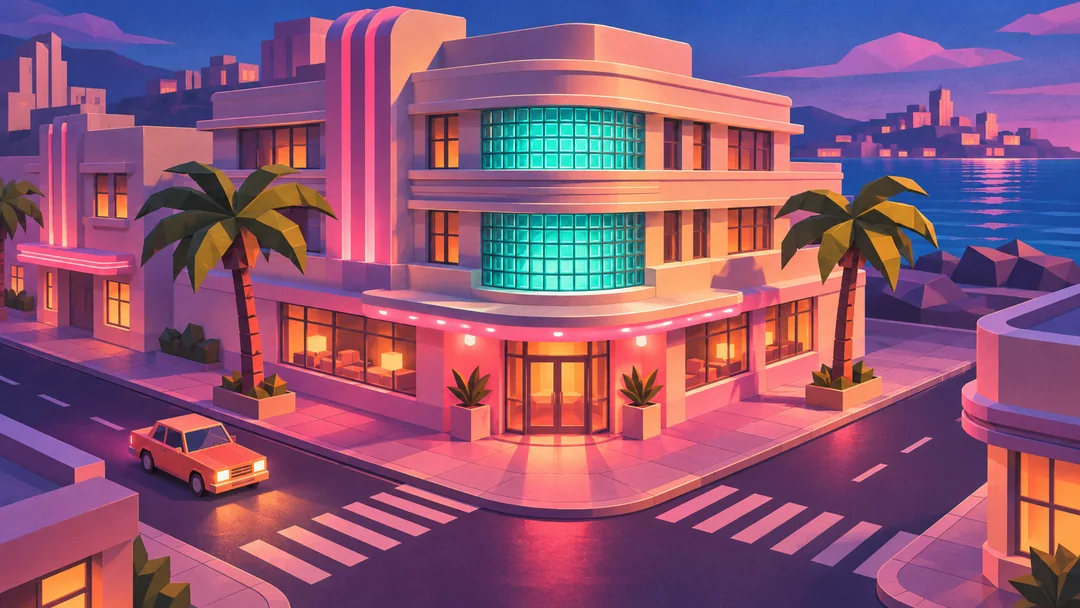
Before you open the city
Use a computer with a keyboard and mouse. The developers list Chrome, Edge and Firefox with WebGL2 support. Touch controls are unsupported. Our direct-start link skips the title screen. In our desktop test the menu's New Game button did not respond to a mouse click. If you use the regular title screen, press Tab until New Game is selected, then Enter. Menu issue on GitHub.
Once the city opens, click inside the game so the mouse controls your view. Press Esc whenever you want the pointer back. Launch the hosted demo.
A first drive
- W / A / S / D moves your character. Move the mouse to look around.
- Shift sprints on foot. Space jumps.
- Approach a car and press F to get in. W accelerates, S brakes or reverses, and A / D steer. Press F again to get out.
- Press M for the full map. Click a point to mark a destination.
- Esc pauses. F3 shows the performance overlay.
Try moving between the beach, downtown and the docks. The project documents six districts and a 24-minute day/night cycle, so revisiting a street later gives you different lighting. Full controls.
If the city looks empty
The maintainers document a bug that can hide characters and pickups inside interiors. If it happens, note the location and whether characters reappear outside. Include your browser, the URL and any console errors when reporting it. Known issues · Report a bug.
Where the browser build comes from
The hosted build is published from bridge-mind/leonida. The source code carries an MIT license. The developers describe their work as a non-commercial fan project and generate the city with Three.js and Rapier. For the separate Xbox-to-PC experiment, see the project status.