The Windows experiment
ItsNotRexed/Leonida explored running the Xbox Series version of GTA VI on Windows. GitHub published Take-Two’s notice on November 24. Our November 25 check found the original repository returned 404.
Read the GitHub notice
Independent project guide
The original Xbox-to-PC repository is offline. A separate open-source project lets you drive a low-poly city for free in your desktop browser.
Project directory
ItsNotRexed/Leonida explored running the Xbox Series version of GTA VI on Windows. GitHub published Take-Two’s notice on November 24. Our November 25 check found the original repository returned 404.
Read the GitHub noticeBridge Mind built a different city using Three.js and Rapier. Its public repository includes the source, controls and local setup instructions. The hosted build runs on a desktop with WebGL2, a keyboard and a mouse.
Open bridge-mind/leonida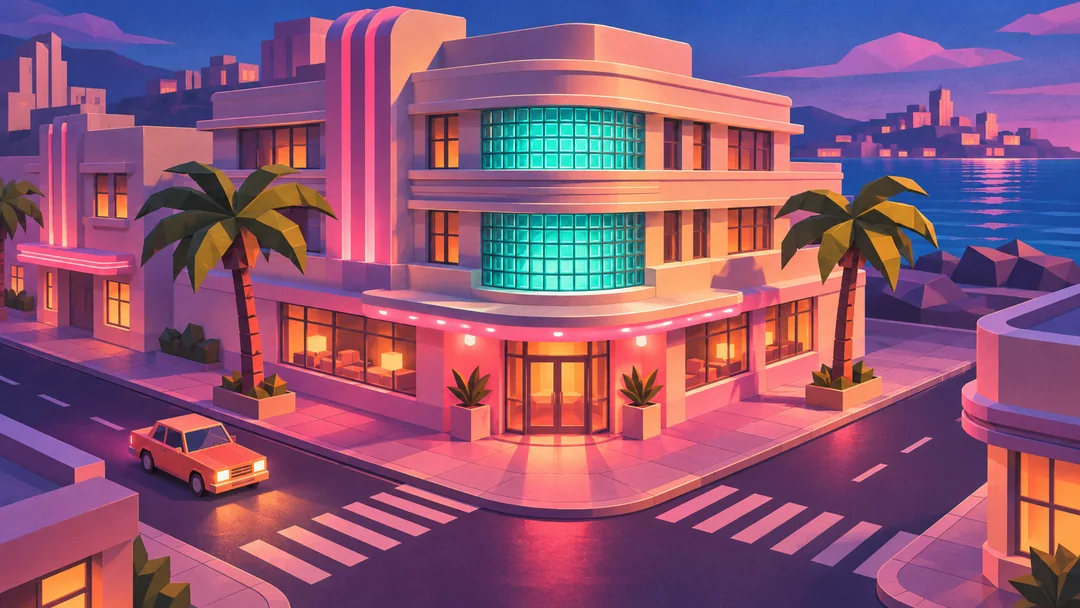
Inside the browser project
Start downtown, walk with WASD, then use F beside a car. The play link skips a known title-menu issue. We checked startup and movement on desktop on November 25.
Quick answers
Bridge Mind’s free browser sandbox is playable at its GitHub Pages site. Use the Play browser demo button above on a desktop computer. It opens a low-poly city built with Three.js and Rapier.
ItsNotRexed/Leonida was named in Take-Two’s November 24 notice published by GitHub. The original address returned 404 on November 25. The PC status page links to the public record.
The bridge-mind/leonida browser project has MIT-licensed source code and a free hosted demo. The retail Grand Theft Auto VI game is a separate product.
Yes. The setup guide links to the browser project's source ZIP and Git repository, lists the Node.js requirements and walks through starting its local development server.
Use the Issues tab in the bridge-mind/leonida repository for browser bugs and feedback. Include your browser, the step that failed and any error text. The browser demo guide links to the tracker.